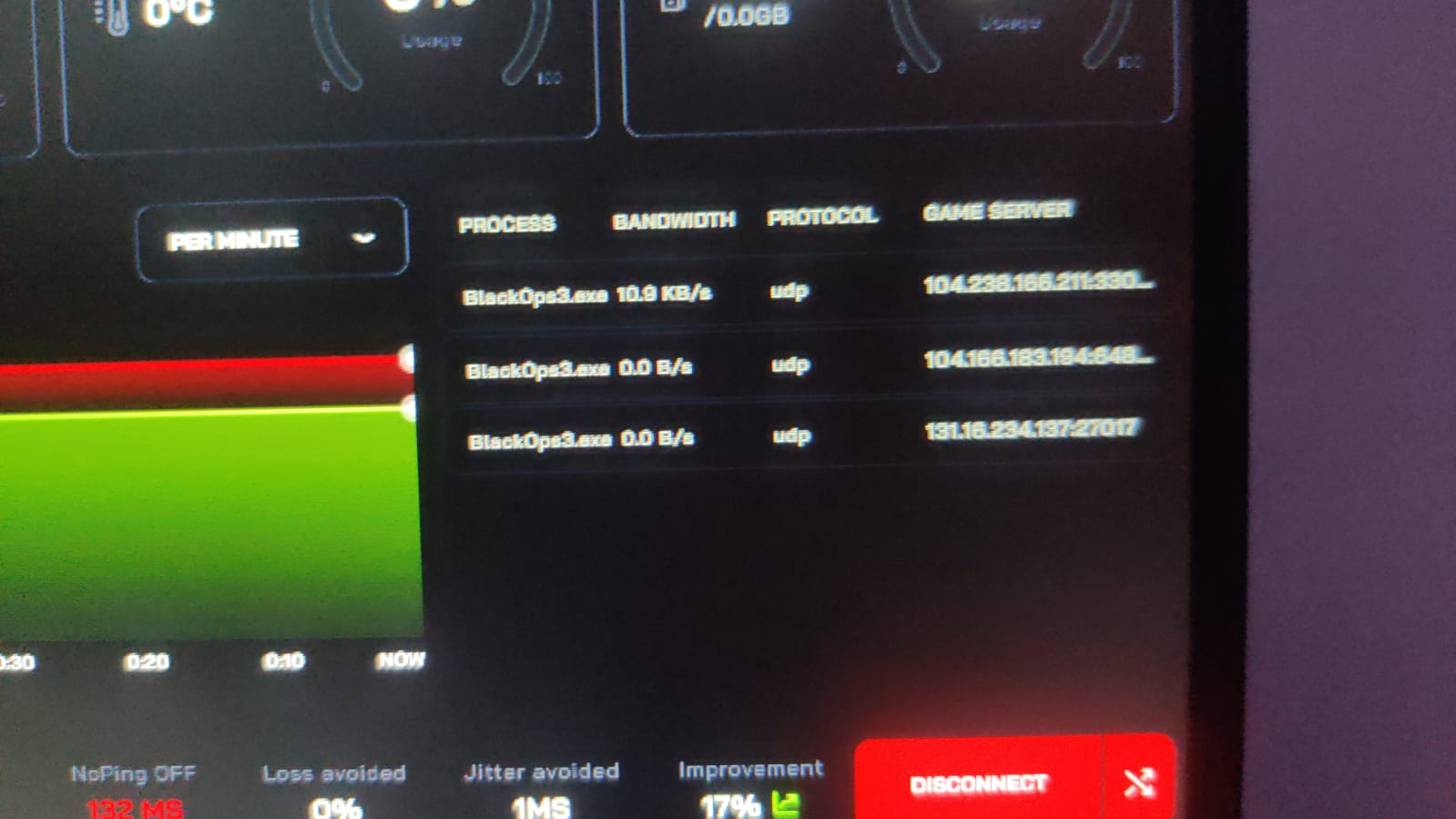
Hi, I want to setup mudfish vpn for playing black ops 3 with low ping.
I have tried exitlag which gave me constant 130ms and without it I use to get around 200-250ms ping.
I followed the basic instructions of selecting the game from item list but black ops 3 most servers which I play are European (netherlands, france, germany,uk etc) but in mudfish server destination there is only USA east, west and japan.
Also while creating custom item I don’t know what to add in server destination Uploading: 1000091498.jpg…
Hello,
Thank for the answers.
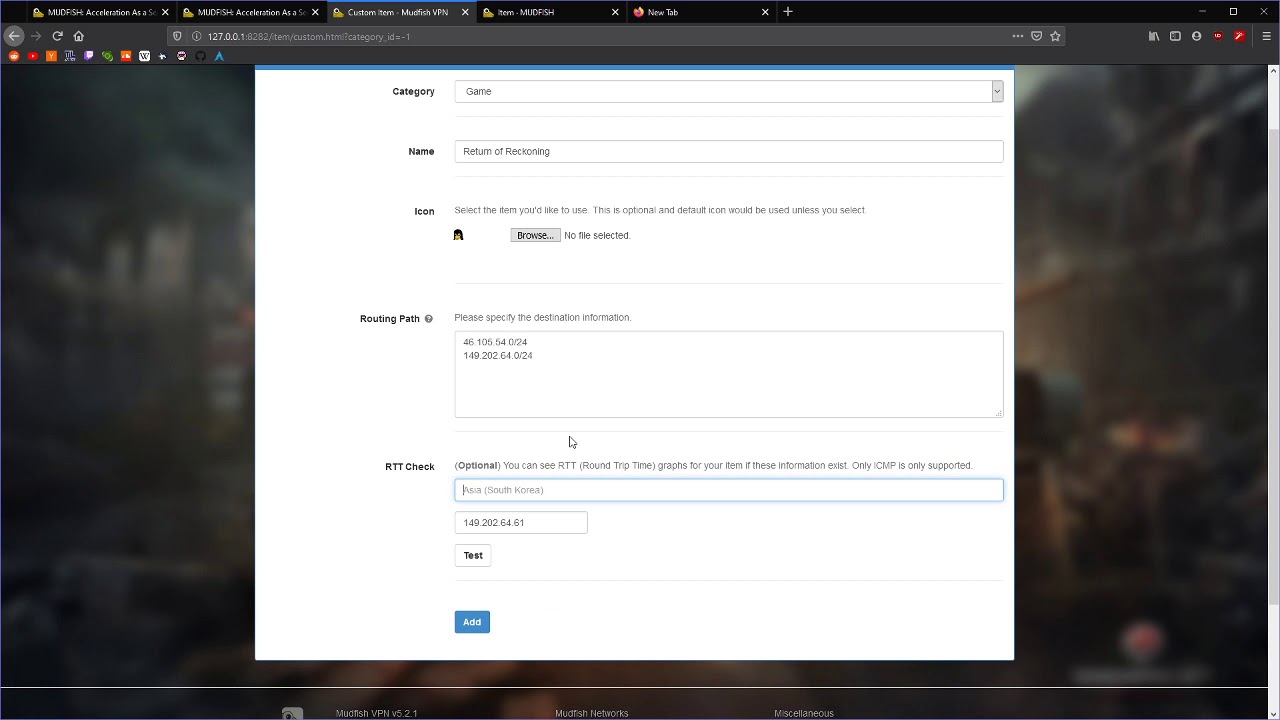
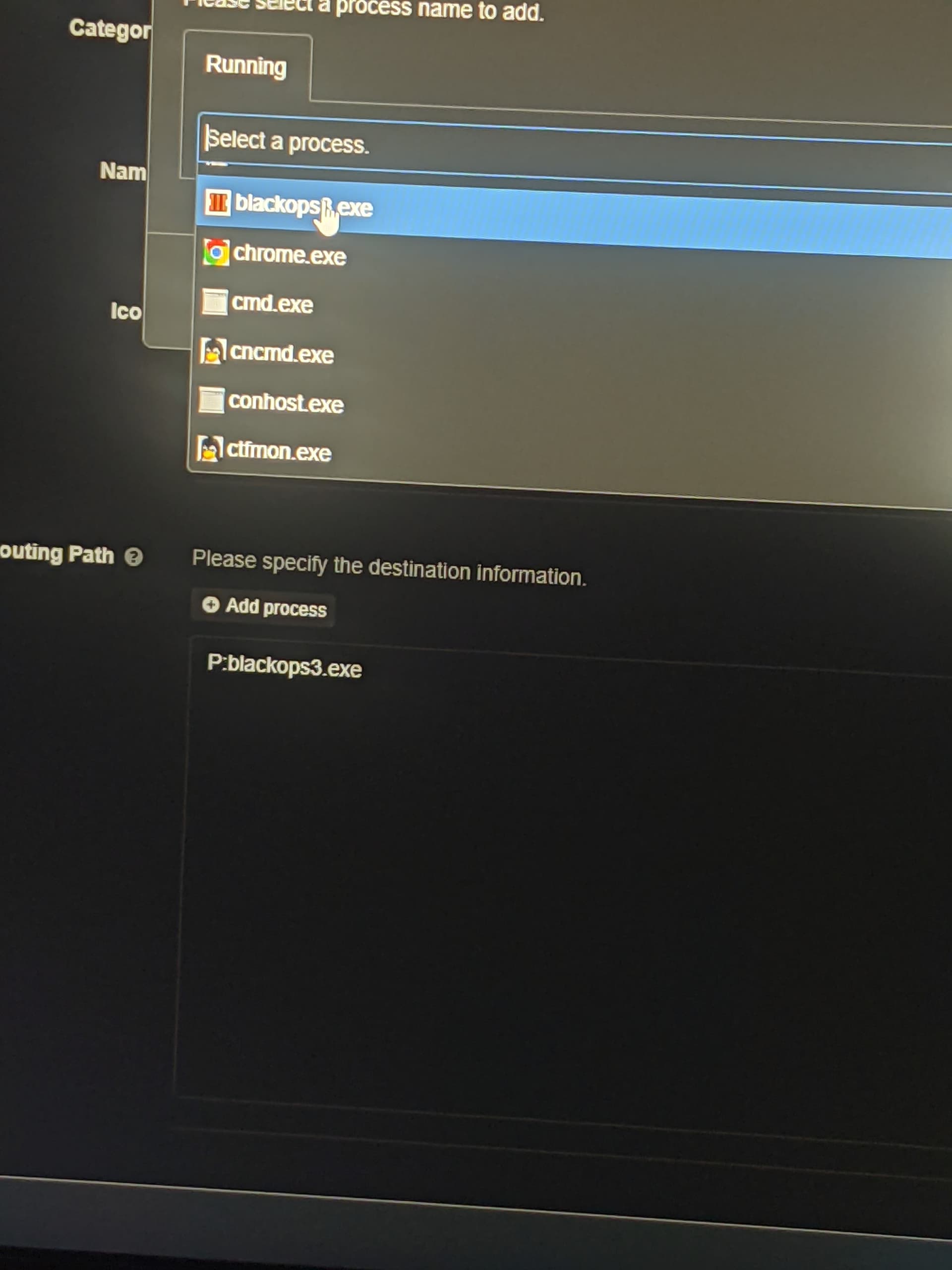
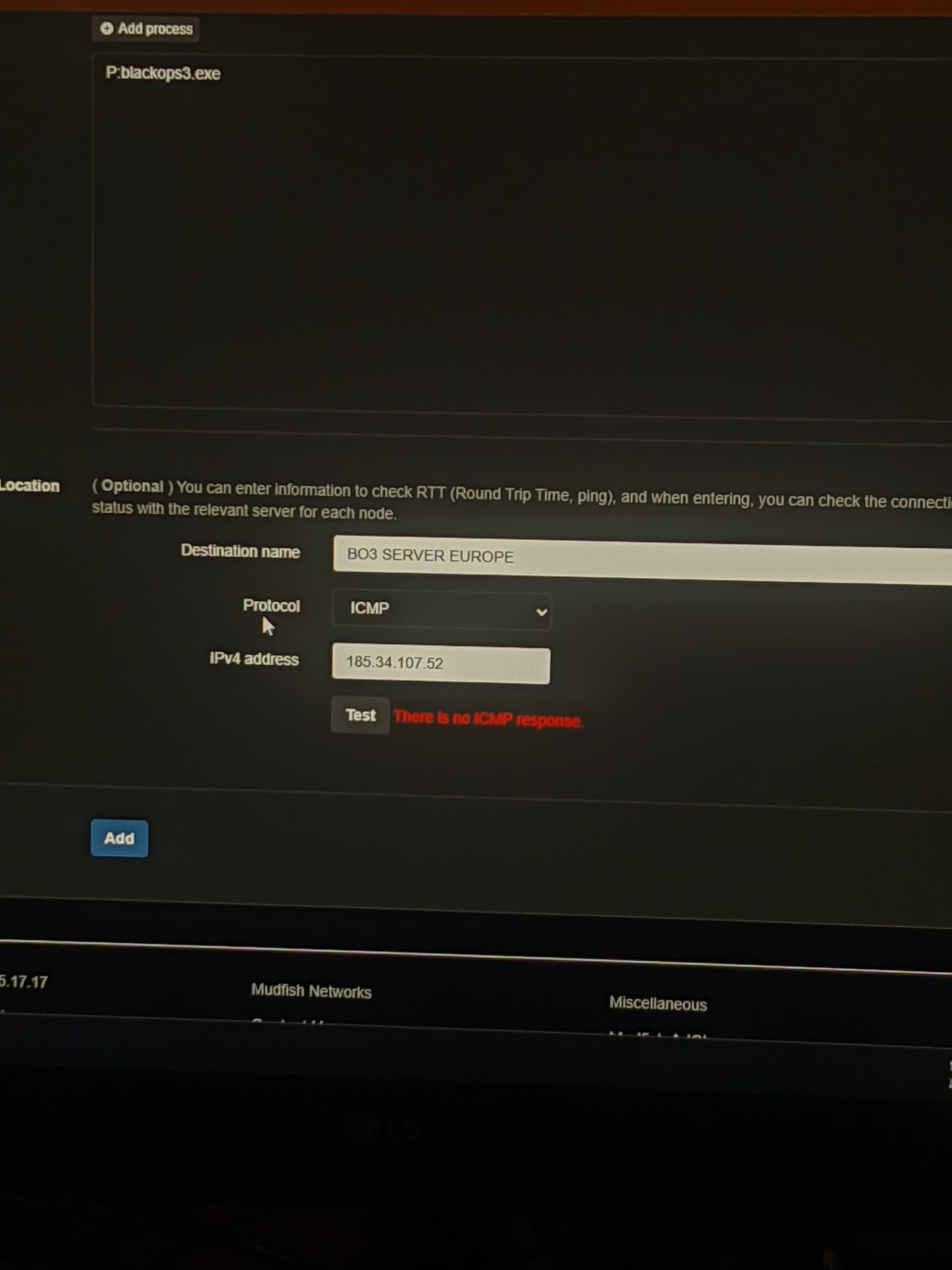
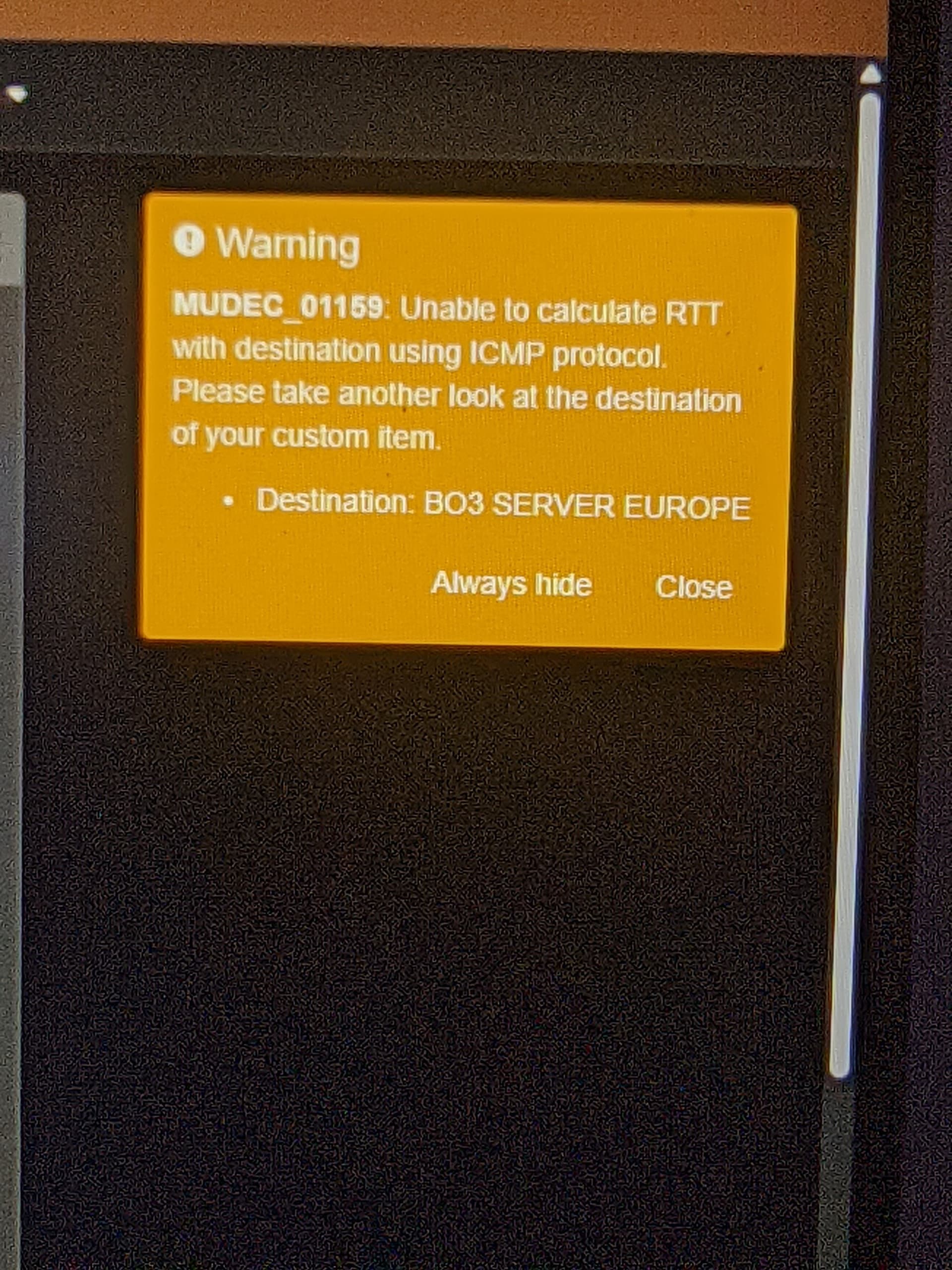
I was trying to configure mudfish for black ops 3 and after watching multiple youtube videos I managed to add game in custom item but I’m unable to add game server location and check RTT. I’m getting error.
I have added screenshot of how I added custom item and what error I’m getting
Also after 2 hours of trying I finally ended up using full vpn mode with and without WFP item mode and both results gave me poor ping of 300ms ping which is higher than without using mudfish that is 200-250 ms ping.
While I was using exit lag for 3 days trail it work better for me giving 130 ms ping constant in all European servers
I will also send you packet capture after this so you can help me better
As you have ask to run full vpn mode and WFP mode and share process dump for black ops 3 and I did that.
Game ran but I couldn’t able to join anyone multiplayer also my nat type change from moderate to strict.
Yesterday when I tried full vpn I was able to join multiplayer matches but ping was horrible around 300ms, I get around 200-250 with mudfish
Thank you for this information. I’d left my answer on the packet dump topic you uploaded at Private Support menu. Please check it there. You can find your topics at My Topics link.
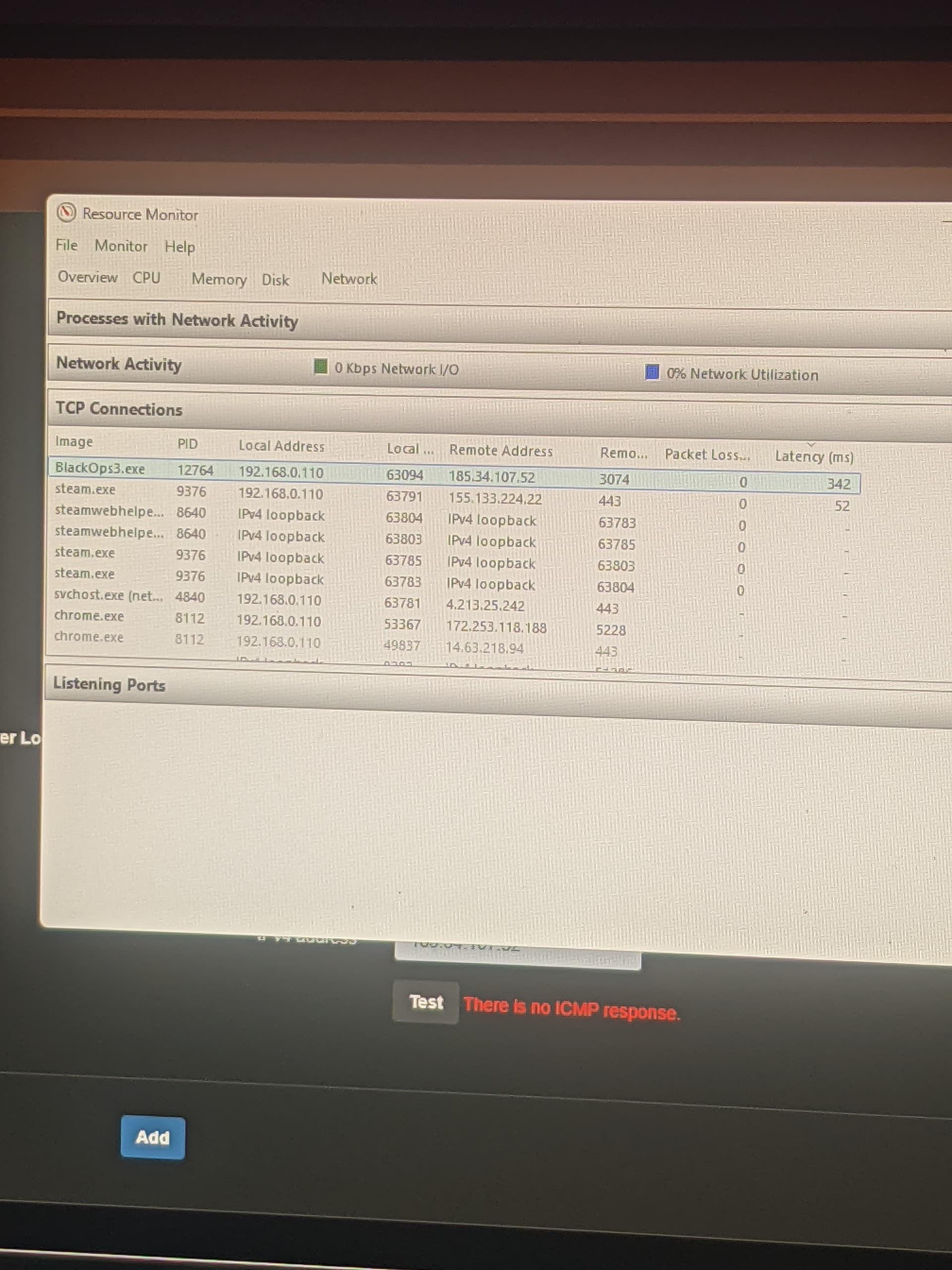
However do you know where the game server you’re connecting locates? According to this screenshot, it looks like the game server IP is 185.34.107.52 and this IP locates at US West (Las Vegas) if I checked it properly. So if you’re connecting from India to US West (Las Vegas), it looks like ping 130ms is almost impossible.
To be fair I don’t know if its bo3 game server IP or not, I was just following a youtube video where the person showed how to get server IP from resource monitor but when I add this IP 185.34.107.52 in RTT check there is no ICMP RESPONSE error coming.
This video I followed to setup mudfish
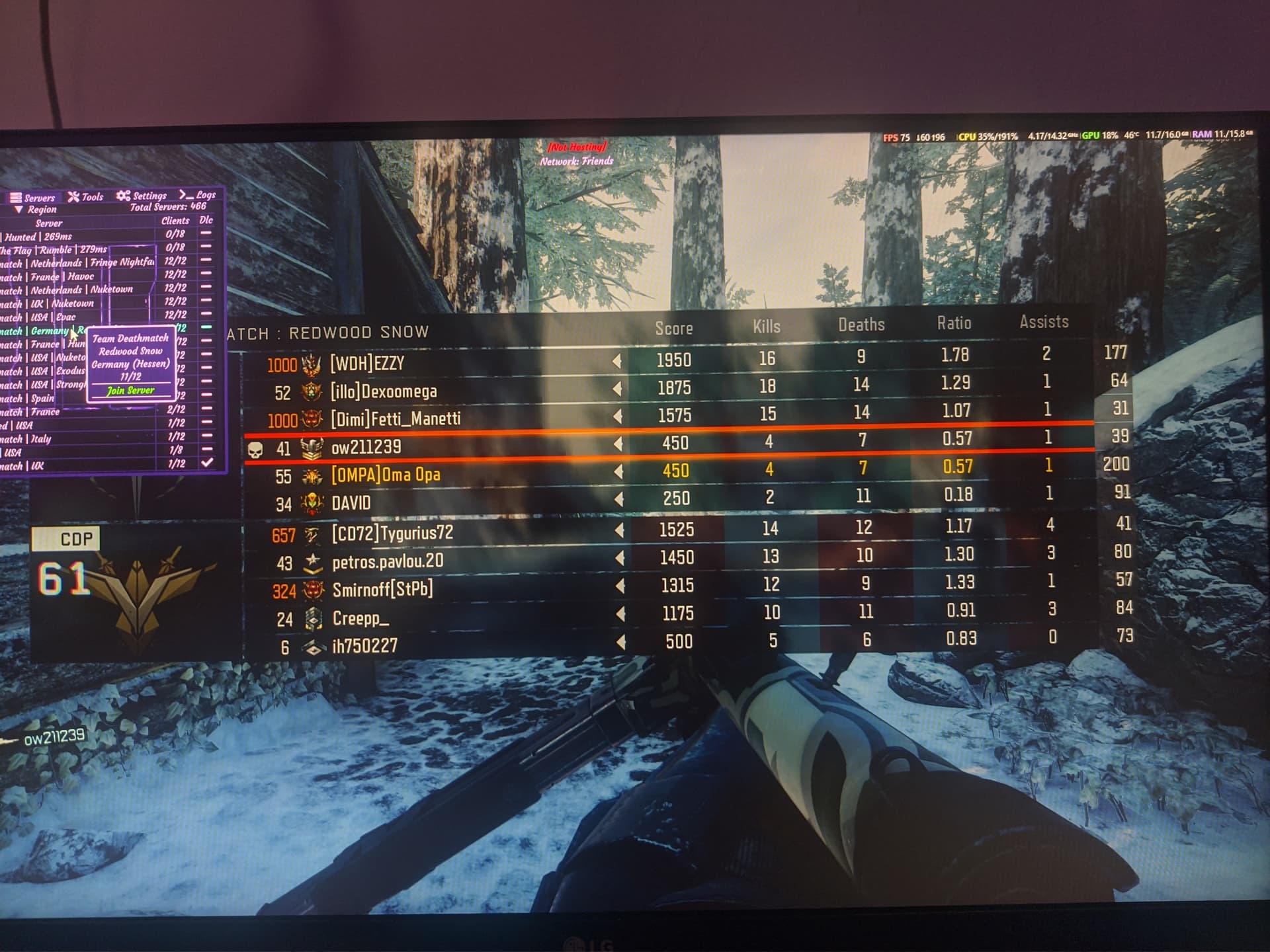
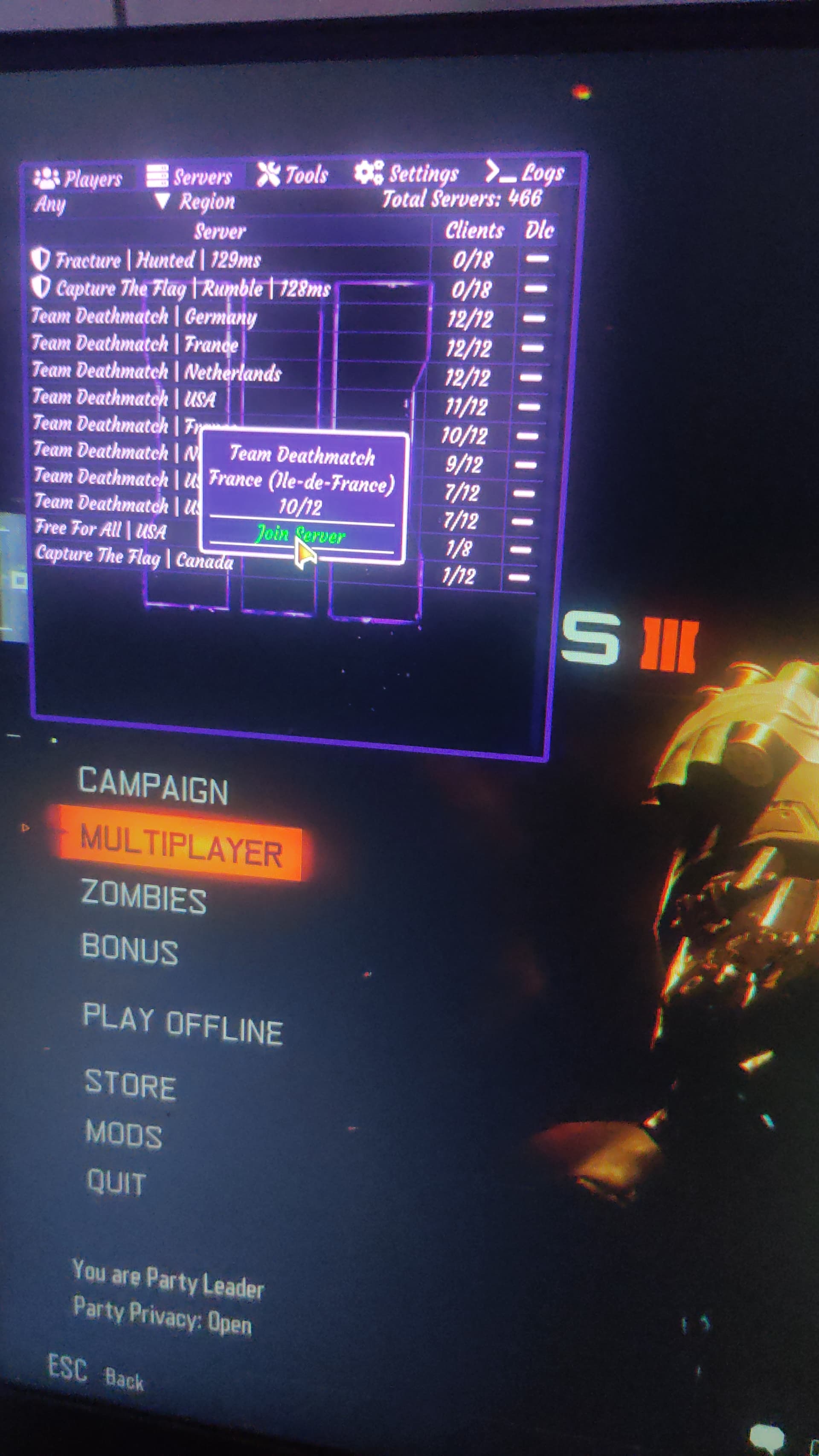
I’m currently using a mod CLEANOPS T7 for black ops 3 which has a server browser and show all server location and I mostly play in Europe lobby (germany, netherlands, UK, France etc) and when I was using exitlag trial I was getting 130ms constant ping across all server and without using anything I get 200 to 250 ms ping. If you help me setup properly I don’t want a refund, I will be happy using mudfish.
Can you tell me how can I find game server IP ?
So I can provide you that to help me
Hello,
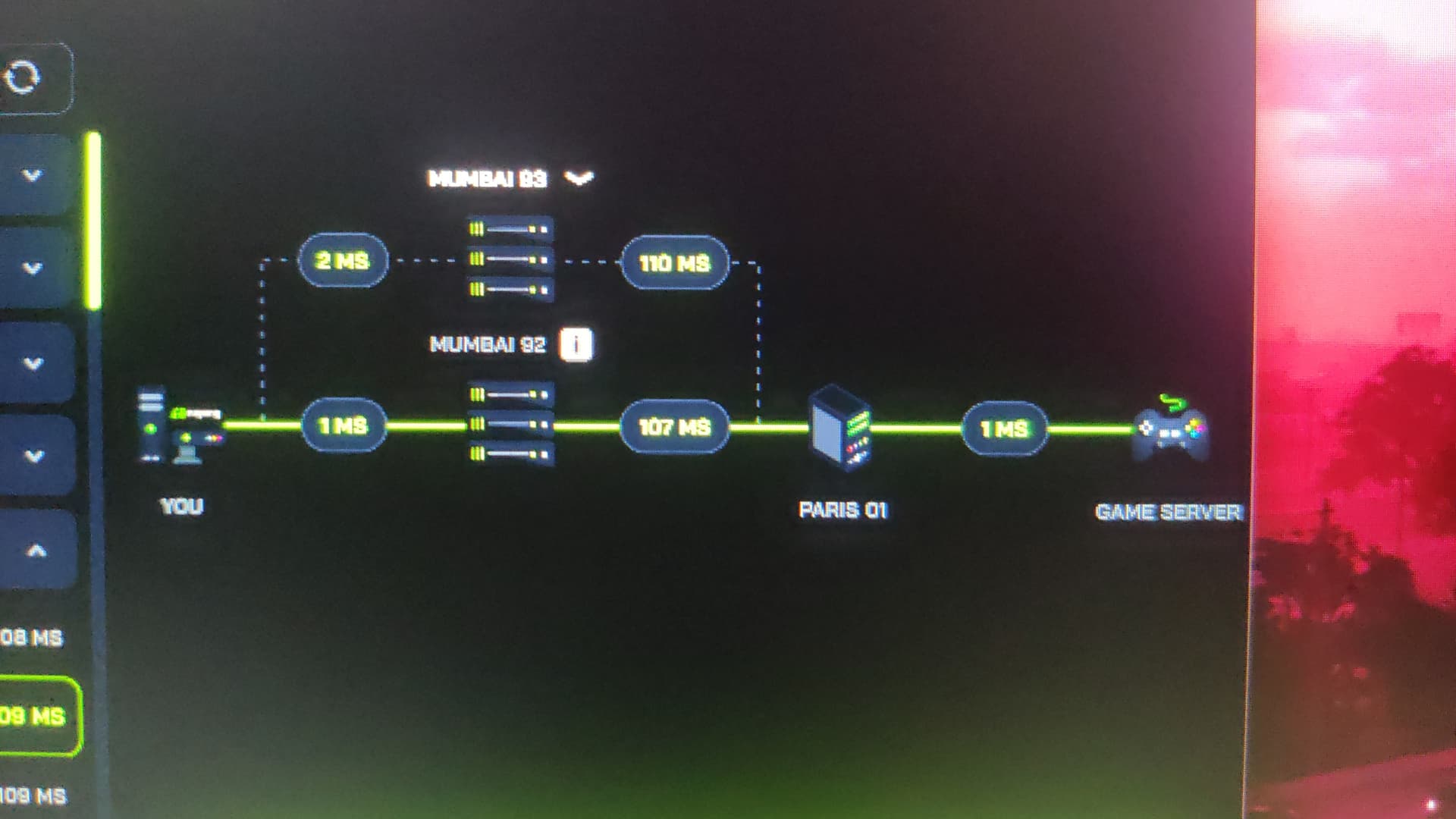
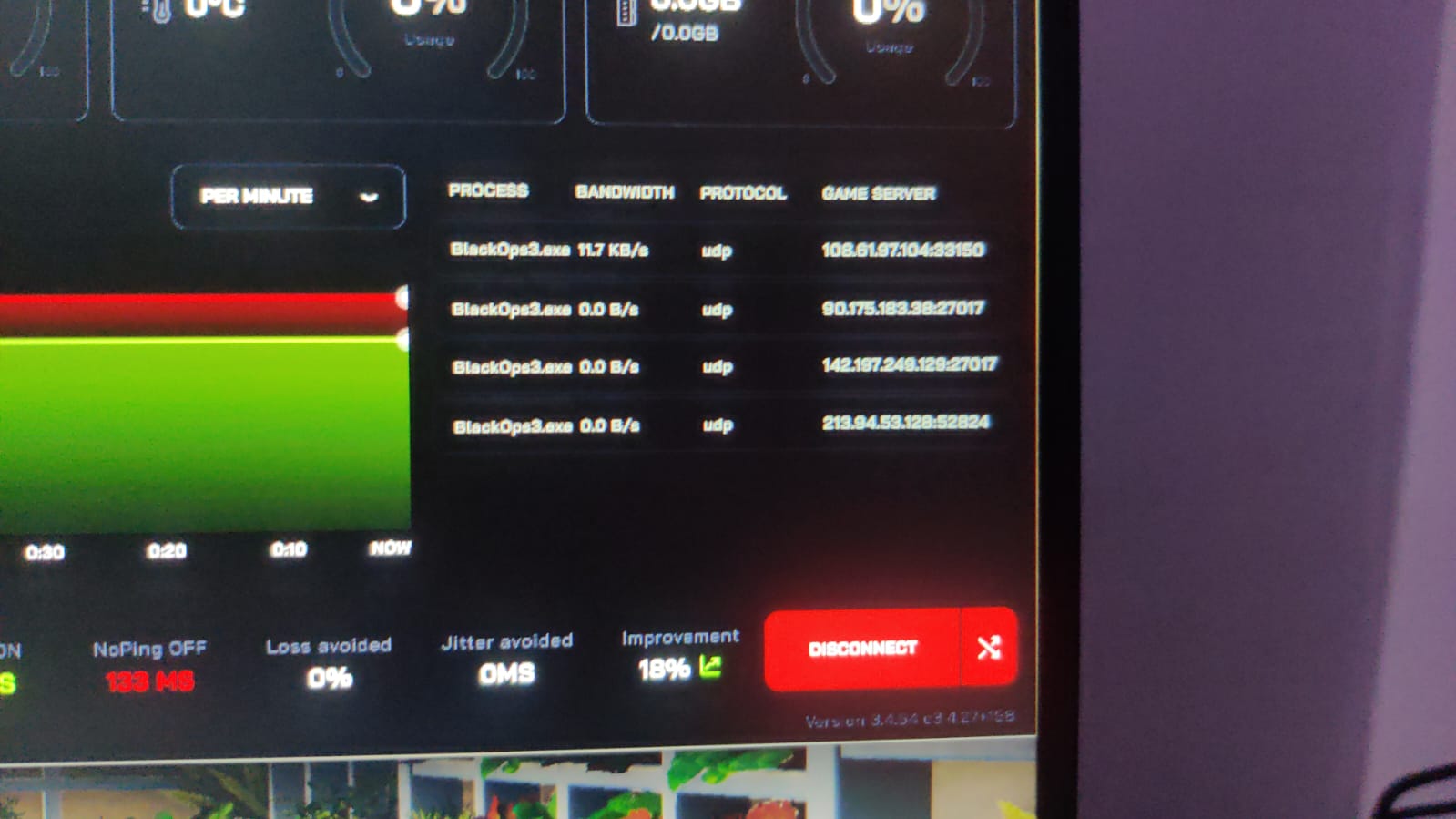
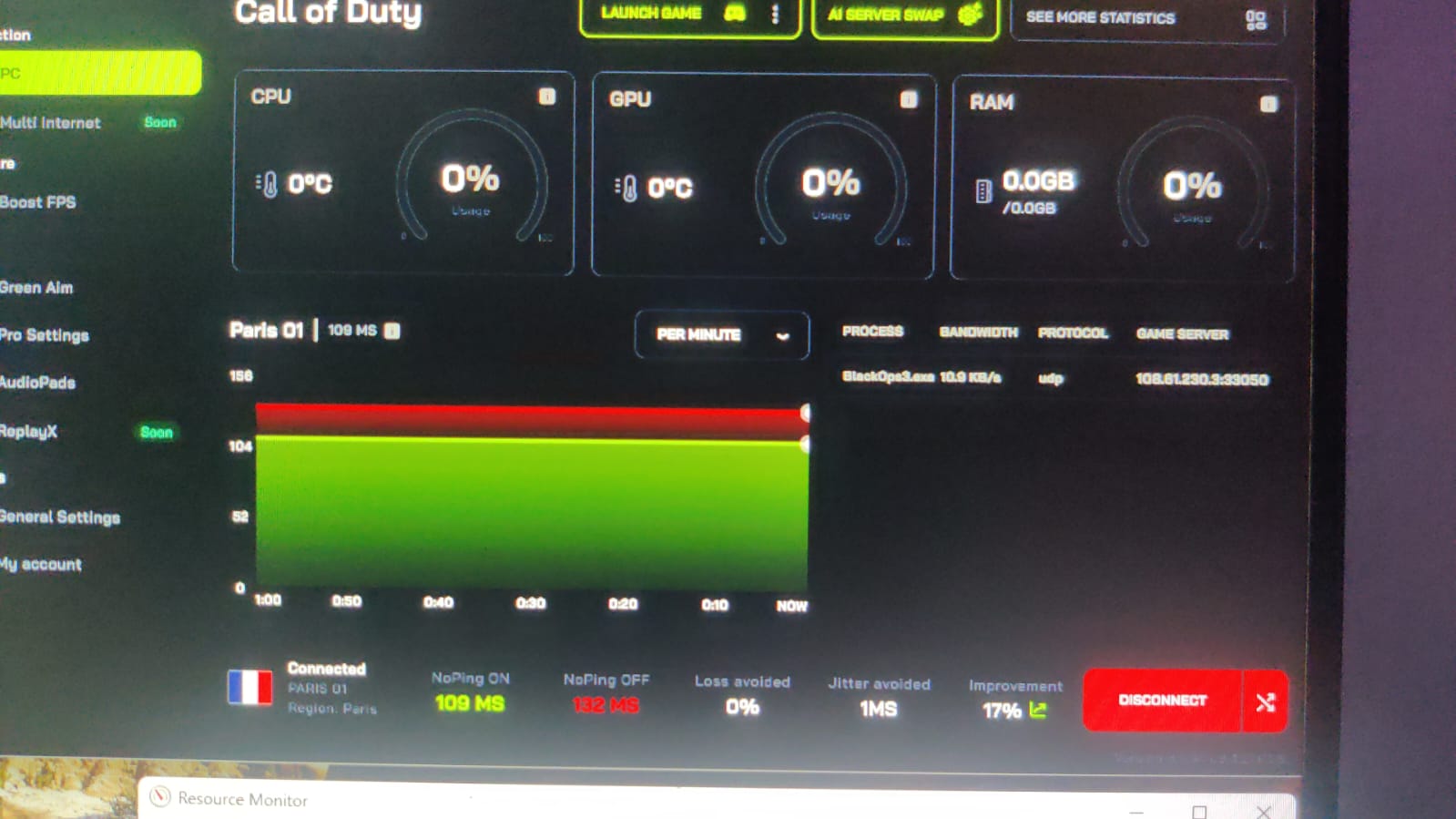
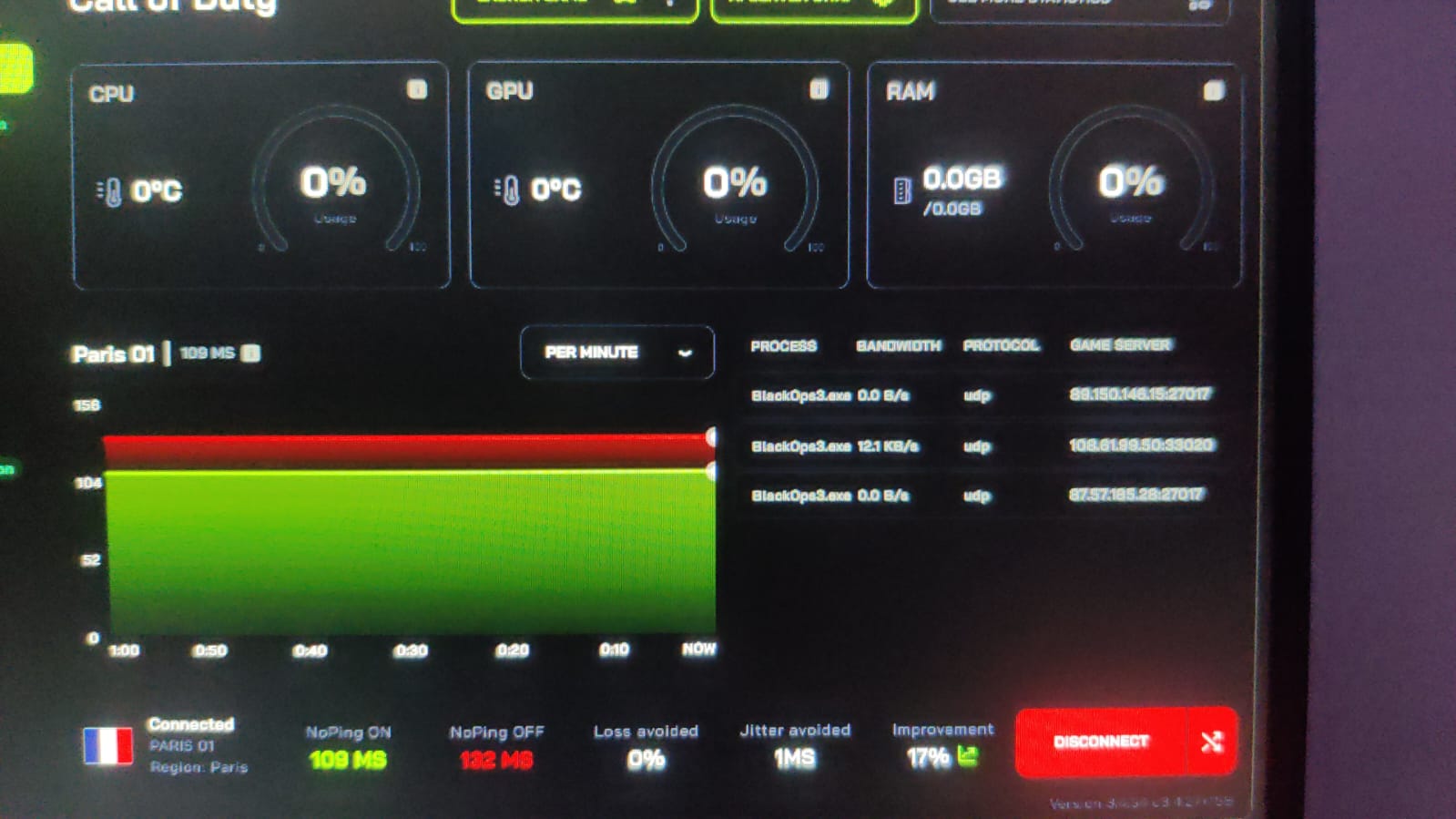
i have able to find black ops 3 server IP,s of Europe location using NOPing software.
You can also see the routing through NOPing. I use this software for 7 days trial and this software also gave me 140-145 ping across European server and when i played on France server it gave me 130 constant ping
This is the RTT check results when i use made custom BO3 item list and i have tried many different settings and nodes but none gave me below 140 ping, it’s always 180 to 200 ping with mudfish. Please provide me good settings so i can get good results like NOping and Exitlag.
BO3 Servers=
spain
108.61.97.104 165ms
UK
108.61.230.3 123ms
Netherlands
108.61.99.50 178ms
Germany
104.238.166.211 170ms
US TEXAS
108.61.239.133 287ms (never play on US server)
 You can find your topics at