Hi team,
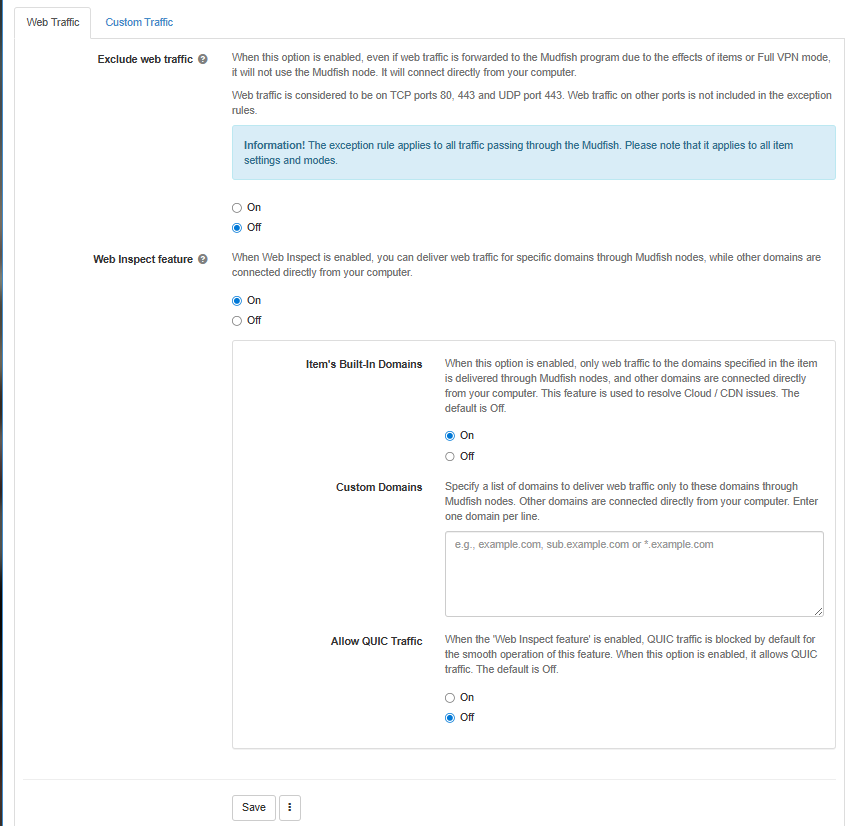
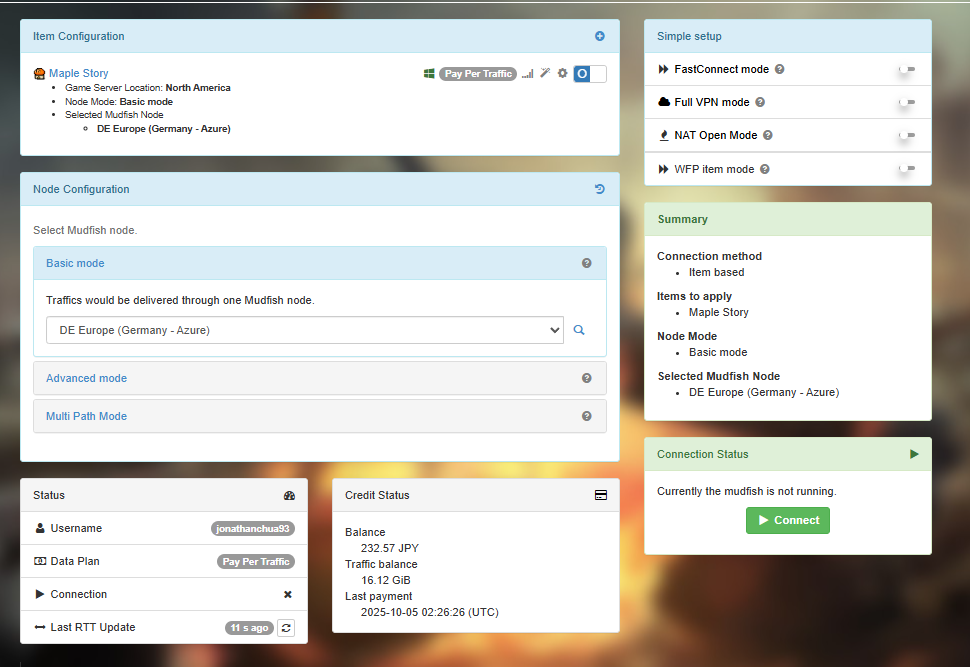
I have read and enabled “Web Inspect feature” to exclude all web traffics except the game item related. However, the credit deduction is still very fast.
Hi team,
I have read and enabled “Web Inspect feature” to exclude all web traffics except the game item related. However, the credit deduction is still very fast.
In my opinion, this issue might be similar with the following topic:
Please check my comment and try to monitor your network traffic.
Hi Weongyo,
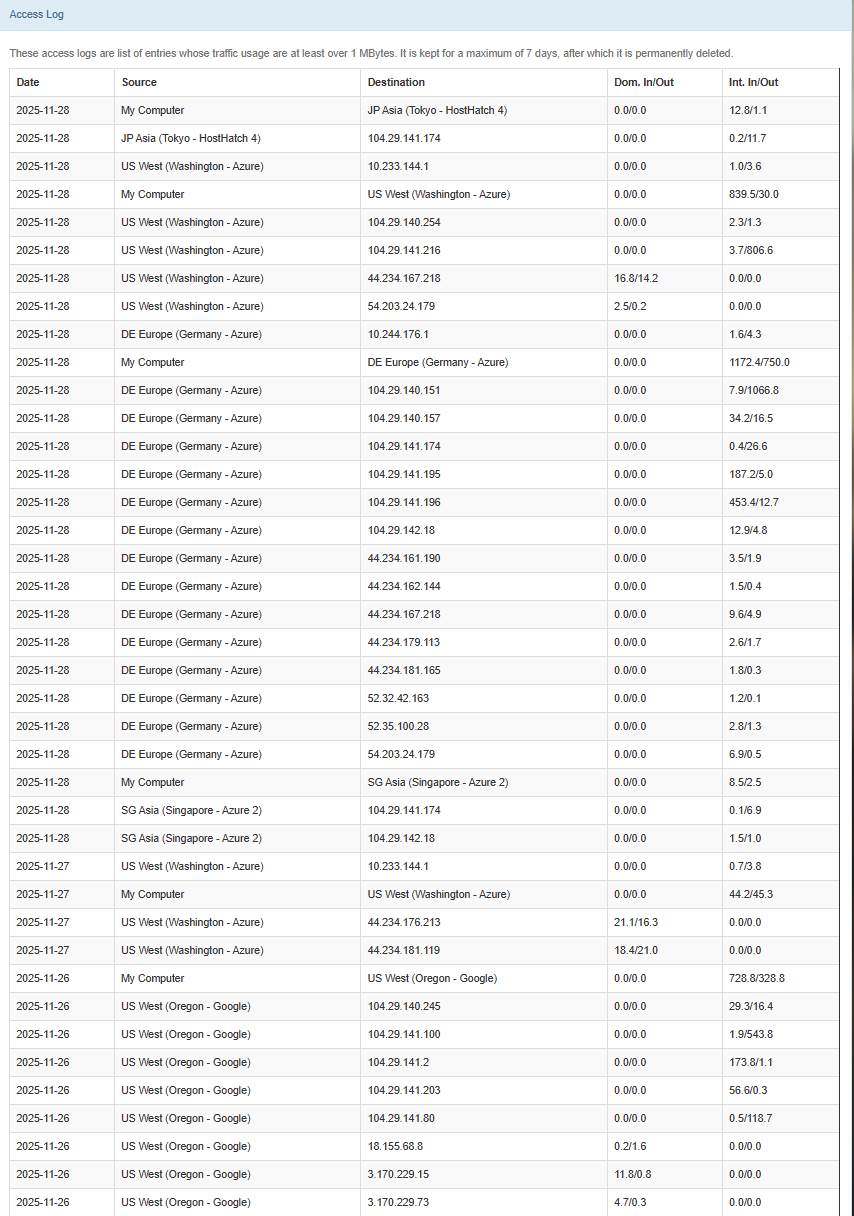
I did enable the logging before.
Are you able to see anything unusual from this set of logs?
Thank you for this result. When I reviewed this result, it shows IP addresses like 104.29.141.x. These IPs are belong to CloudFlare (one of CDN company) so it could be CDN and Mudfish issue.
However you said you enabled Web Inspect feature.. So it could be a different issue. For this case, please try to monitor your networkt traffics using a tool like https://www.glasswire.com/
Hi there,
There is another abnormal amount of credits deducted again.
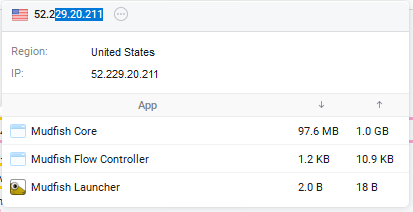
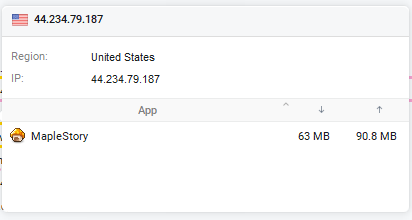
Upon using glasswire, this is the consumption from mudfish core process.
Thank you for showing this screenshot. It helps a lot to understand what’s going on. Here is my understands:
 So it’s CDN and Mudfish issue.
For this case, two ways to avoid this issue in my opinion might be 1) WFP Item mode.. or 2) Create Custom Item
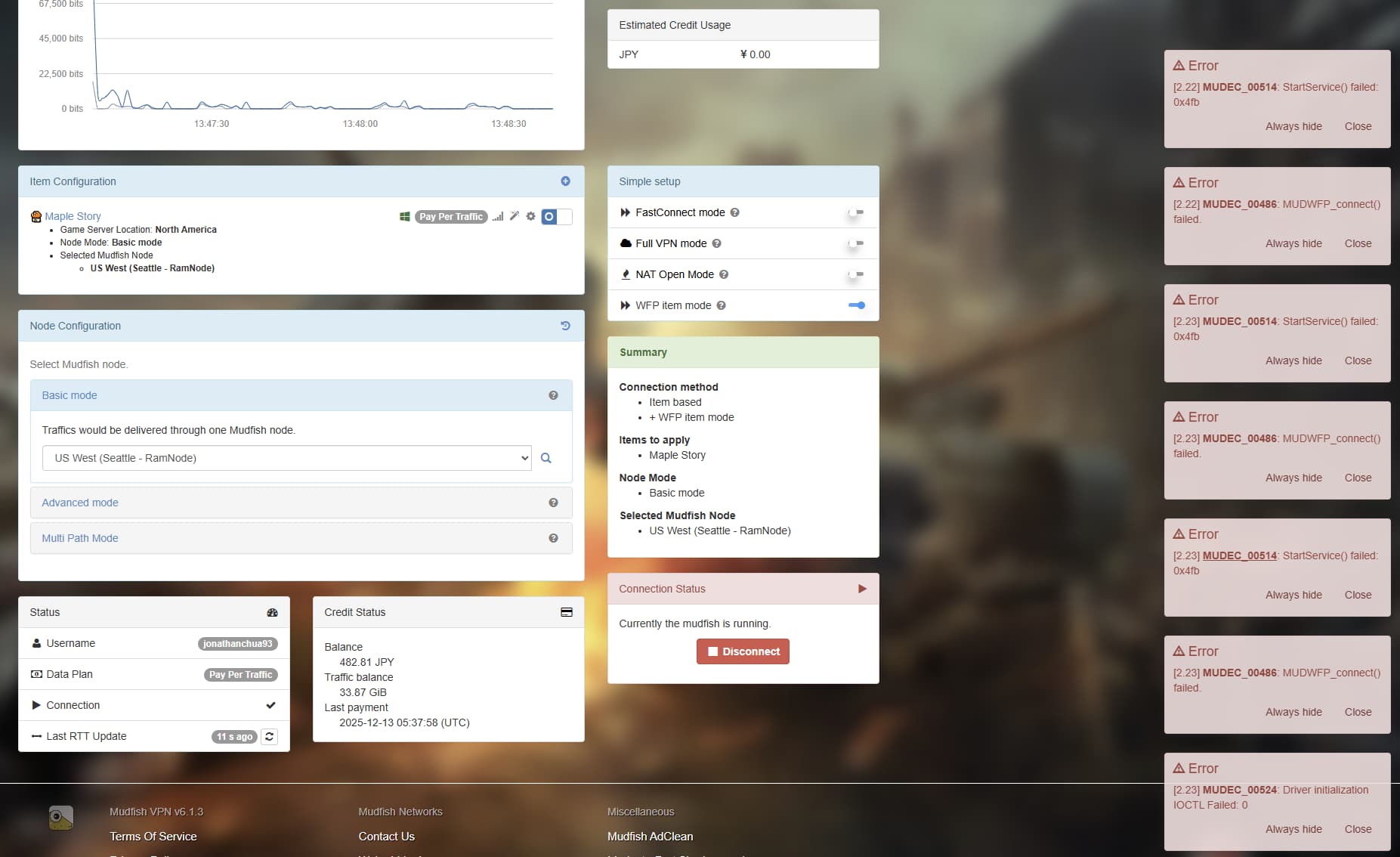
When i try to use item mode, these errors pop up.
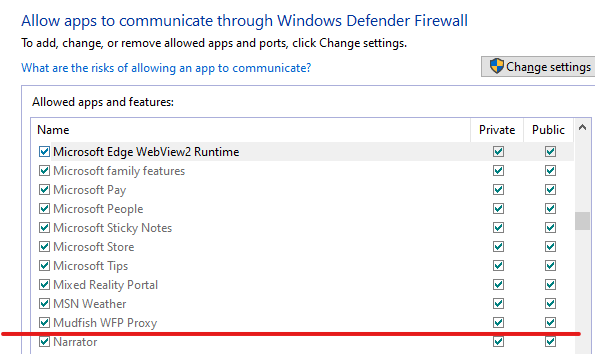
However, i have allowed mudfish WPN on the list of approved apps on Windows Defender
Is there anyway to resolve this?
As you can see MUDEC_00514 document, 0x4fb means ERROR_DRIVER_BLOCKED… So it looks like something is blocking mudwfp.sys driver.
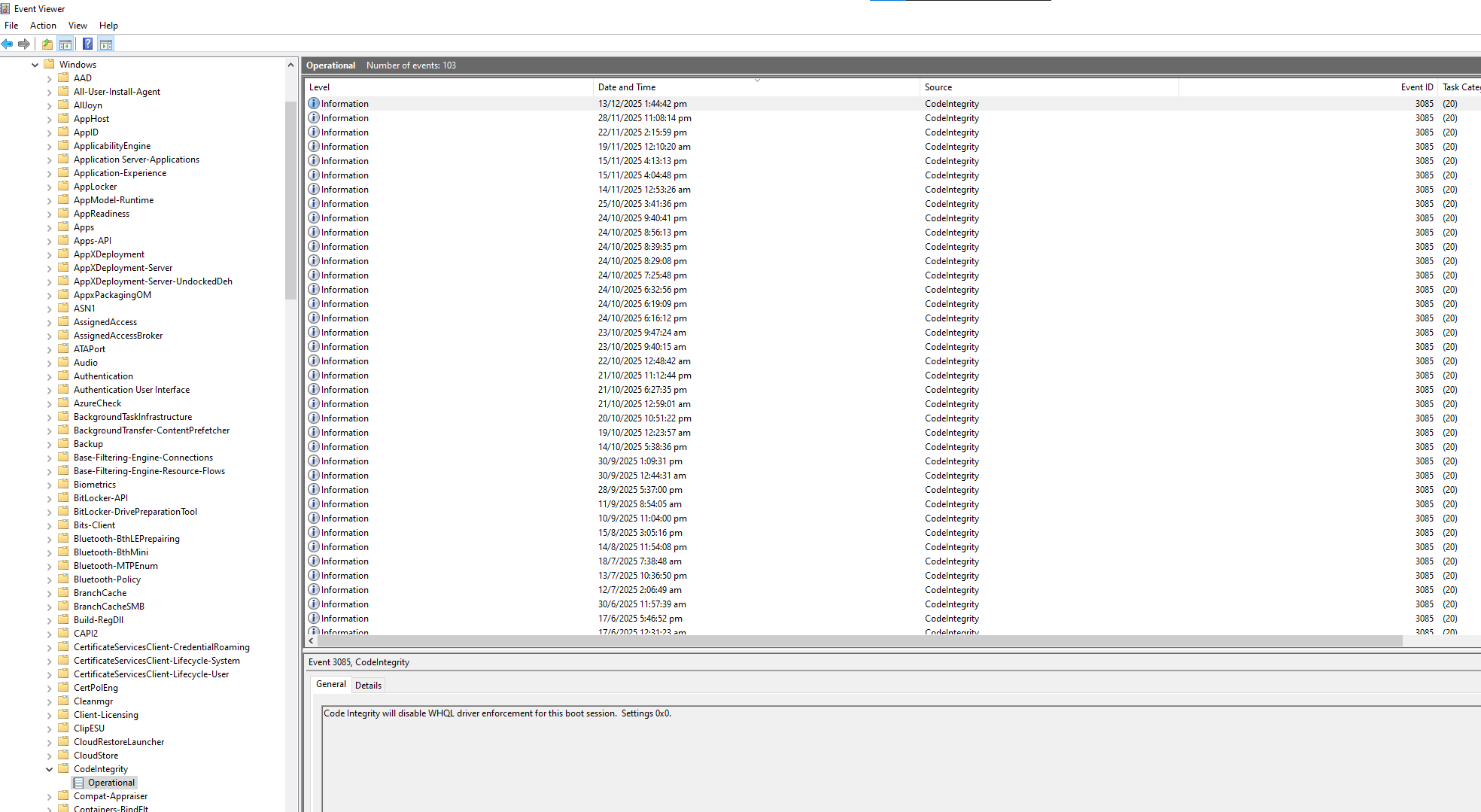
To identify the specific reason for this block, could you please check the Windows Event Logs?
eventvwr.msc, and press Enter.This information will help us pinpoint exactly why the driver is being blocked.
Hmm, sadly there isn’t any Event ID 3004 or any Error level events when I tried to start the mudfish service.
Weird… Let me check this issue a little bit more. However did you try to disable the AV (anti-virus) problem for a moment and test too?
I did try turning off windows defender before starting up item mode.
However, the same errors popped up.
This topic was automatically closed 21 days after the last reply. New replies are no longer allowed.