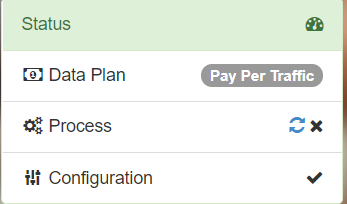
I cannot connect and the proce

I cannot connect and the process show a cross mark. I set up for Escape from Tarkov. (Dubai to HK)

image

EDIT: Using Full VPN allows me to connect, but I can’t connect to ethernet port of TAP-Windows Adapter V9: the wifi sign showed in the taskbar the whole time ever since I install. I am currently connecting to wifi. If I don’t use full VPN it shows No mudfish_stdout.txt exists No mudfish_stderr.txt exists in the process tab. I tried checking basic connection and it showed no problem
Please confirm that How to check the basic functionality works fine in your environment. It’s a first thing you should test.

And did you check ‘Status -> Process’ menu to see the core logs? Please check there’s error or warning messages at there.

I tested and it worked fine as posted. It works only with full VPN on but not when set up for a specific game.

Then please send me some game packets using Packet Capture with Mudfish link while playing the game with Full VPN mode.

To update game server, I need some game packets to analyze.