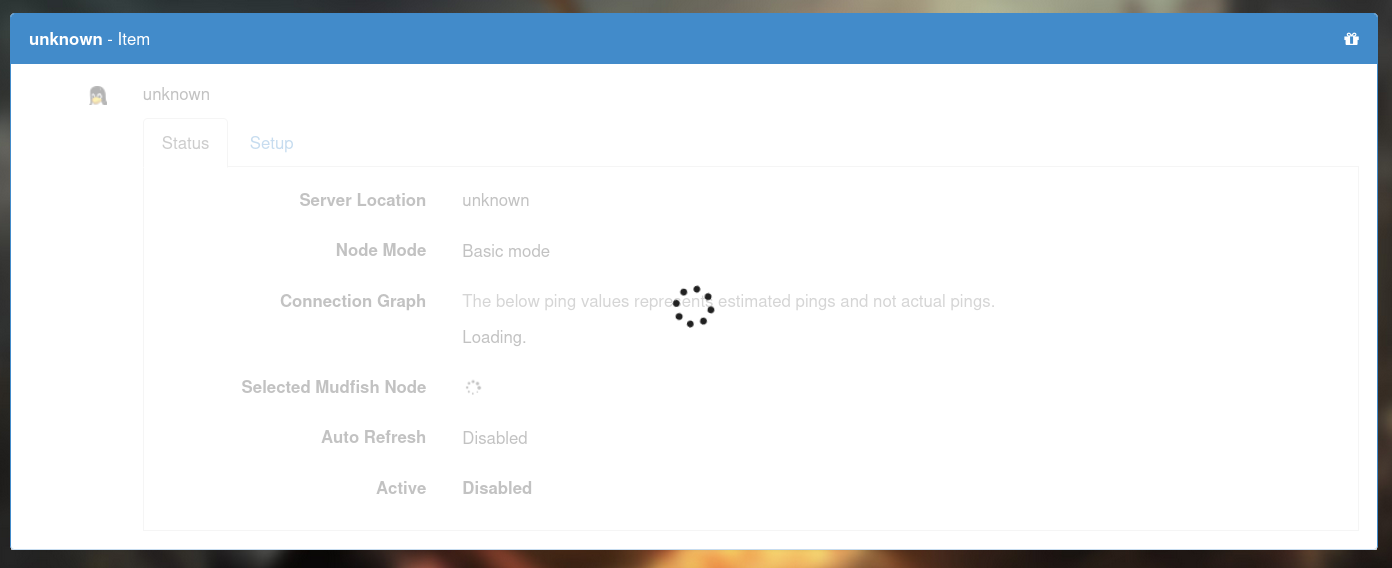
I’ve been using Mudfish 6.4.4 normally since I updated, but today when I went to connect and review my nodes one of my configured items – the Final Fantasy XIV standard item that I use for my connection to the NA servers – won’t let me access the item configuration screen, becoming stuck at the “loading” stage as seen in the screenshot.
I ran an earlier version of Mudfish (6.3.2) that I had lying around and the issue didn’t happen there. All of my other items (two custom items for FFXIV’s EU and OCE servers and a standard Mudfish item for PSO2NG) are working normally.
I’m using 6.4.3 now, it works normally. What’s strange to me is that it wasn’t something that happened immediately after I updated but instead took a few days to manifest. Before finishing this reply, I killed the 6.4.3 instance and ran 6.4.4, and that specific item is still blocked by the UI in the configuration screen (two days later!). The other items, both custom and standard, work normally. Going back to 6.4.3, everything is normal. My guess is that there’s some sort of persistent state associated with that item that 6.4.4 gets stuck at but goes unnoticed by previous versions. When I first encountered it I assumed it was linked to a temporary node failure (I usually access that screen when I need to switch nodes due to instability), but using a previous version of Mudfish to switch to a healthy node doesn’t make the issue go away.
It’s not easy to explain why at this moment. When I reviewed the code changes between 6.4.3 and 6.4.4, no changes in the item configuration screen. So might be something unknown.
When you get a chance, please check Debugging issue for Mudfish v5 and try to check that javascript console whether there’s any warning or error.
The issue is indeed still reproducible in 6.4.4. Whatever is responsible for replying to this request (mxios_post('https://' + self.mudrun_status.api_server + '/graphql' <...>) in conf.html:2209 isn’t sending item information in the response (but in 6.5.0, and likely other versions but I didn’t test those, it sends the information normally) and this causes the control flow to never get out of i18nItem to disable the loading overlay. The iid parameter seems to be sent in both versions so that’s not what’s confusing the webservice.
@UragawaKyo Thank you for your feedback. Based on your comment, I tried to fix this issue. I’ll ship this change at the next release (at least not 6.5.1 because it’s already under the beta status).
 So might be something unknown.