Hi,
Some time back I was having a problem where the Steam item does not work for me. It does not change my IP when I use Steam. Eventually I resolved this issue by just using VPN to change my IP to the Philippines when I log onto Steam.
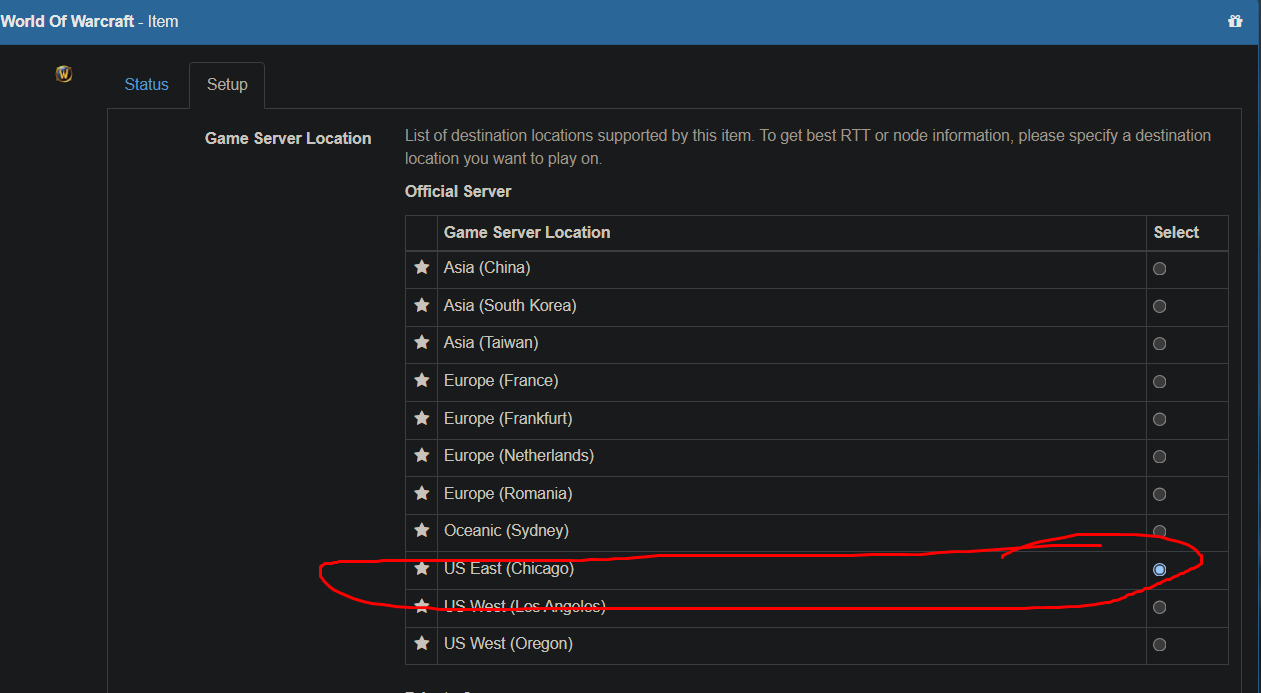
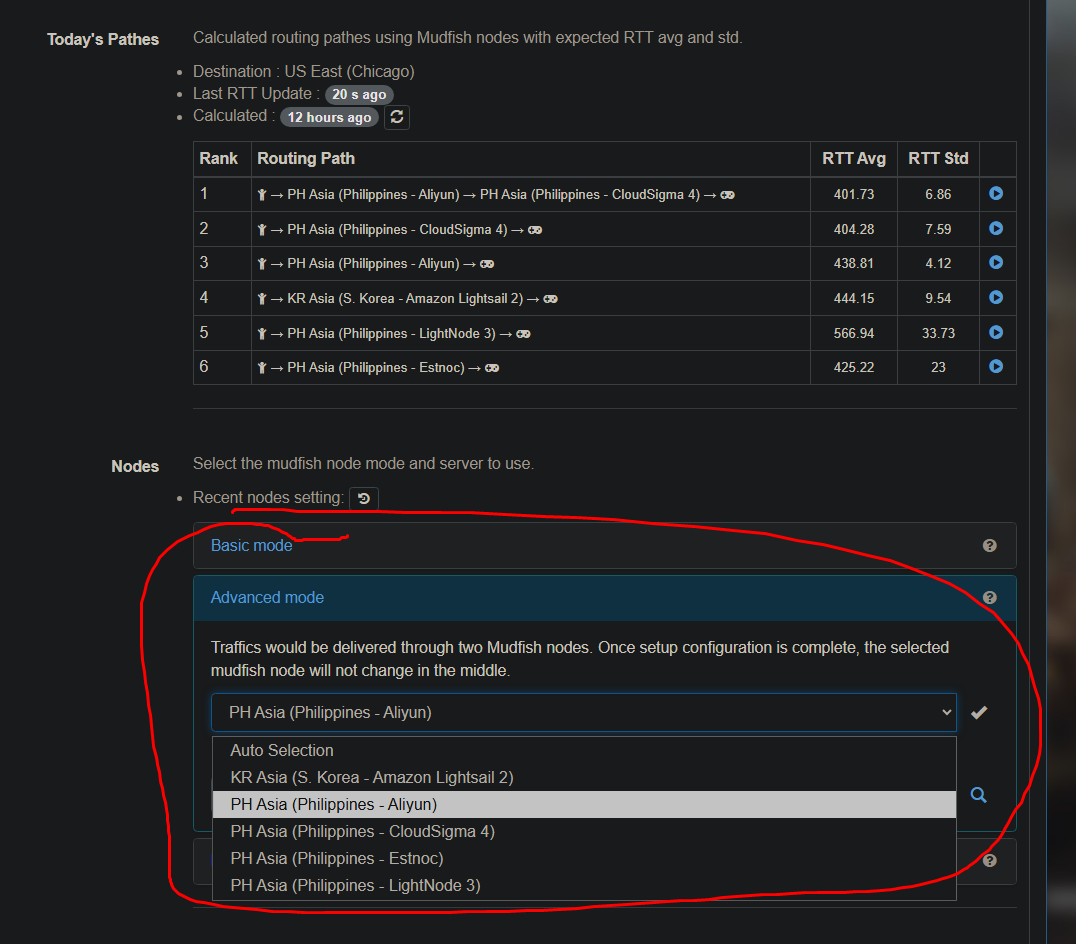
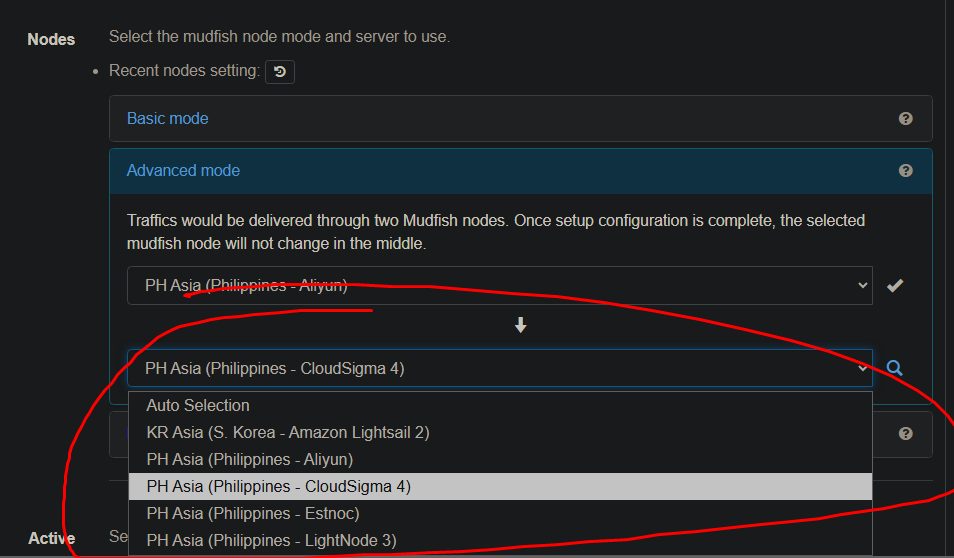
However, I notice now that when I try to use my WoW item (for World of Warcraft) and I select US East (Chicago) server, it gives me only Philippine and Korean servers as choices. This is with VPN turned off. I don’t have the option to use a US east server like I used to.